A single vulnerability can expose your WordPress site to cyber threats, data breaches, and unauthorized access. Without proper website security, attackers can exploit weak login credentials, outdated plugins and themes, or misconfigured server settings. WordPress security hardening helps you secure your WordPress website by protecting user accounts, blocking malicious traffic, and reducing security risks across your hosting environment and web server.
TL;DR
- WordPress sites are common targets for attacks such as brute-force, malware, and SQL injection.
- Security hardening helps protect your site by securing login access, core files, and server settings.
- Start with basics like strong passwords, updates, SSL, and limiting login attempts.
- Use a firewall, secure hosting, and trusted plugins to block threats early.
- Regular scans, backups, and monitoring help detect and fix issues quickly.
- Advanced steps, such as file protection and access control, improve long-term security.
What is WordPress Security Hardening?
WordPress website security hardening is the process of strengthening your website by reducing vulnerabilities and blocking common attack points. It involves applying security settings and configurations to protect your site from threats such as malware, brute-force attacks, and unauthorized access.

By using multiple layers of protection, you make it harder for attackers to exploit your site. This includes securing logins, protecting core files, and using firewalls and encryption to keep your website safe and stable.
Why WP Security is Essential for SEO, Data, and Performance?
WordPress security is not just about protecting your website. It directly impacts your data, performance, search visibility, and user trust. Without proper security hardening, your site becomes vulnerable to malware, brute force attacks, and unauthorized access.
A secure WordPress setup helps you maintain stability, protect sensitive information, and ensure your website runs smoothly without interruptions. It also plays a critical role in preserving your SEO rankings and overall online reputation.
- Build User Trust: A secure website with HTTPS and robust security measures builds confidence among users, encouraging them to interact, sign up, and complete transactions.
- Prevent Hacking Attempts: Strong security measures help block brute force attacks, malware injections, and unauthorized login attempts. This reduces the risk of your website being compromised.
- Protect User Data: Securing your site ensures sensitive data, such as customer information, login credentials, and transaction details, remains encrypted and protected from breaches.
- Avoid Downtime: Security vulnerabilities can lead to site crashes or attacks that take your website offline. A hardened setup helps maintain uptime and prevents business disruption.
- Maintain SEO Rankings: Search engines may penalize hacked or infected websites. Strong security helps protect your rankings, indexing, and overall search performance.
Read: How WordPress Support Agencies Are Adapting to New Security Threats
Why Working with a WordPress Security Partner Makes a Difference?
Website security needs constant attention. Small gaps, missed updates, or weak configurations can expose your site to risks and downtime.

WPTasks helps you handle this without the stress. With monthly development hour retainers, you get dedicated support to fix issues, improve security, and keep your setup optimized.
A monthly maintenance subscription keeps your site updated, monitored, and protected. Our team also handles plugin conflicts and hosting support so your website stays stable and secure.
Strengthen Your WordPress Security Before Small Gaps Turn Into Big Risks
Get a full security audit to uncover weak points, protect your website from threats, and keep your WordPress setup safer and more stable.
Top WordPress Site Security Threats That Can Hack Your Site
These are the most common attack methods used to break into WordPress sites. Each targets a different weak point, such as login access, database queries, or server resources. Knowing how they work helps you block them early.
- Brute Force Attacks: Attackers use automated bots to guess your login details by trying thousands of username and password combinations. Weak passwords and unlimited login attempts make this easy. Limit login attempts, use strong passwords, and enable two-factor authentication to stop this.
- SQL Injection Attacks: Hackers exploit insecure input fields in plugins, themes, or core files to inject malicious database queries. This can expose customer data or modify your database. Keep plugins updated, validate inputs, and secure your database structure to reduce risk.
- Malware Infections: Outdated plugins, poor hosting, or weak file permissions allow attackers to inject malicious code into your site. Malware can steal data, damage your website, or create hidden backdoors. Regular scanning, updates, and secure hosting help prevent this.
- Cross-Site Scripting (XSS) Attacks: Attackers inject malicious scripts into your site that run in your users’ browsers. This can steal login details or redirect users to unsafe pages. Use a web application firewall and validate all user inputs to block these attacks.
- DoS and DDoS Attacks: These attacks flood your server with traffic and crash your website. DDoS attacks use multiple devices to amplify the impact. A strong hosting setup, firewall protection, and traffic filtering help keep your site online.
Stopping these threats early protects your site, your users, and your business from serious damage.
WordPress Security Hardening Checklist (Quick Steps to Secure Your Site)
Follow these essential steps to secure your WordPress site, protect customer data, and reduce common security risks. This checklist covers login protection, website security, and server-level hardening.
- Update WordPress Core, Plugins, and Themes: Always use the latest versions to fix vulnerabilities and protect your website from known security threats.
- Secure Login with Strong Passwords and 2FA: Use strong passwords and enable two-factor authentication to protect admin access and prevent brute-force attacks.
- Limit Login Attempts and Protect Admin Access: Restrict repeated login attempts and control access to your WordPress login page to block automated attacks.
- Install SSL Certificate (HTTPS) for Data Protection: Encrypt user data, login credentials, and transactions to improve website security and trust.
- Use a Web Application Firewall (WAF): Block malicious traffic, filter requests, and protect your site from attacks like SQL injection and XSS.
- Remove Unused Plugins and Keep Installed Software Clean: Delete inactive plugins and themes to reduce security vulnerabilities and improve site performance.
- Run Malware Scans and Maintain Regular Backups: Scan your website for threats and keep backups ready to restore your site quickly after an attack.
Essential WordPress Security Hardening Techniques
These essential steps help secure your WordPress site, protect user data, and reduce common vulnerabilities. Start with these basics before moving to advanced security measures.
Choose Secure WordPress Hosting
Your hosting provider is your first layer of security. A strong hosting setup blocks attacks before they reach your WordPress site and reduces server-level risks.
Look for features like firewall protection, DDoS mitigation, regular updates, secure file permissions, SSL support, and automatic backups. A reliable host helps protect your website from common threats and keeps your site stable.
Keep WordPress, Plugins, and Themes Updated
Outdated software is one of the biggest security risks. Updates fix known vulnerabilities and protect your site from malware, SQL injection, and other attacks. Enable automatic updates for core files and regularly review plugins and themes. Remove unused plugins to reduce your attack surface and keep your setup clean.
Use Strong Passwords and Enable 2FA
Weak passwords make it easy for attackers to access your site through brute force attacks. Use strong, unique passwords with a mix of characters for all user accounts. Enable two-factor authentication to add an extra layer of security to your login. Even if credentials are compromised, attackers cannot access your site without verification.
Limit Login Attempts and Protect Admin Access
Unlimited login attempts allow bots to test thousands of password combinations. Limiting attempts blocks repeated login failures and reduces attack risk. You can also restrict admin access using IP whitelisting or security plugins. This protects your WordPress login page and reduces exposure to unauthorized users.
Use a Web Application Firewall (WAF)
A web application firewall acts as a protective layer between your site and incoming traffic. It filters requests and blocks malicious activity before it reaches your server. A WAF helps prevent SQL injection, cross-site scripting (XSS), and brute force attacks while improving overall website security and stability.
Use Trusted Themes and Plugins Only
Themes and plugins can introduce vulnerabilities if they are poorly coded or outdated. Always install them from trusted sources, such as the WordPress repository or verified developers. Avoid pirated or nulled themes, as they often contain hidden malware or backdoors. Regularly audit installed plugins and remove any unnecessary ones.
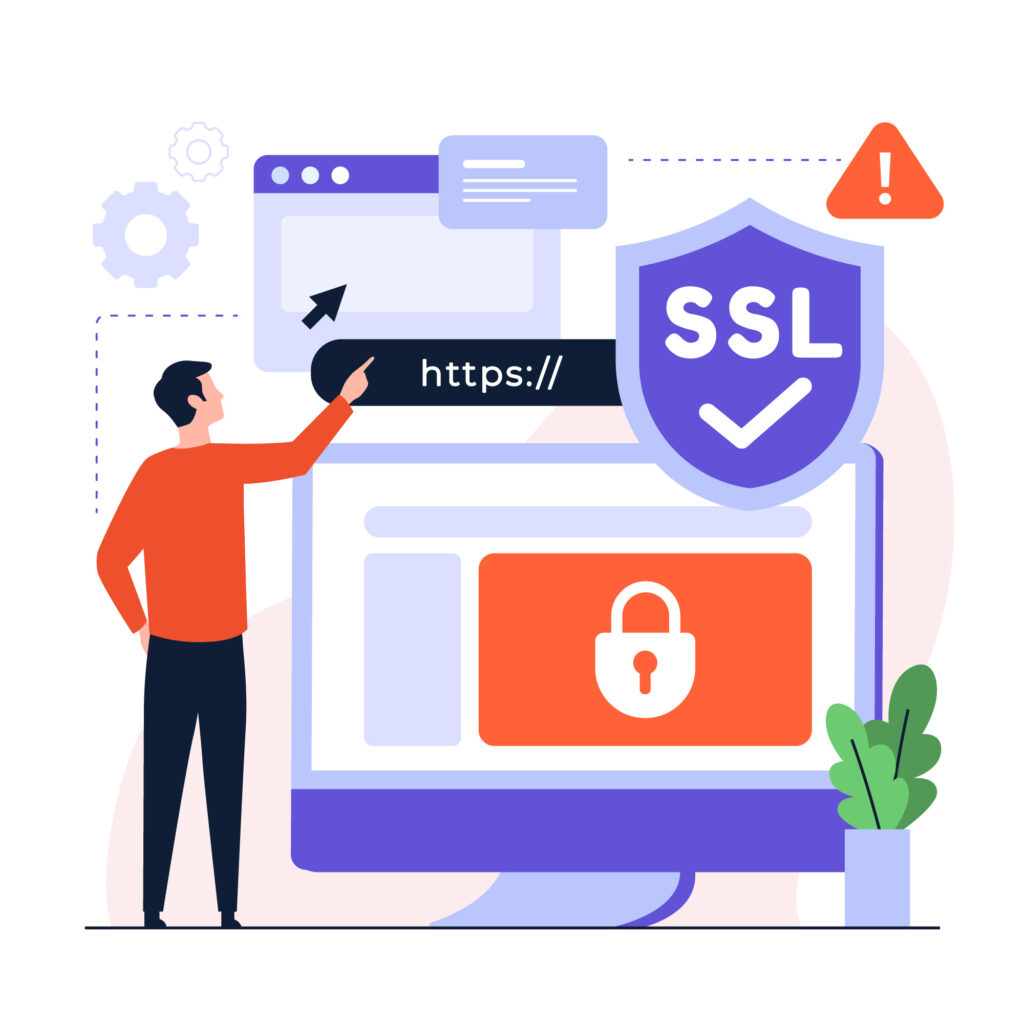
Install SSL Certificate (HTTPS)
An SSL certificate encrypts data exchanged between your website and users, protecting login credentials, personal data, and transactions. Switching to HTTPS also improves user trust and is a confirmed ranking factor for search engines. Ensure all pages load securely without mixed content issues.
Related: Managing Technical Debt in WordPress
Advanced WordPress Security Hardening Techniques
Basic security settings protect your site at a surface level, but advanced hardening techniques reduce deeper vulnerabilities and limit attack entry points. These methods focus on server behavior, access control, and reducing exposure.
Applying these techniques strengthens your overall security posture and helps protect your site from targeted attacks, data breaches, and exploitation attempts.
Disable XML-RPC
XML-RPC is a remote access protocol that allows external applications to connect to your WordPress site. While useful in some cases, it is commonly exploited in brute-force attacks and DDoS attempts. If your site does not rely on XML-RPC functionality, disabling it removes an unnecessary attack vector. This reduces automated attack attempts and improves overall security without affecting normal site operations.
Block Suspicious IP Addresses
Repeated login attempts or unusual traffic patterns often come from malicious IP addresses. Blocking these IPs helps prevent brute force attacks and unauthorized access attempts. You can use firewall rules or security plugins to automatically detect and block harmful IPs. This adds a proactive layer of protection by stopping threats before they reach your website.
Implement Security Headers (CSP, HSTS)
Security headers like Content Security Policy (CSP) and HTTP Strict Transport Security (HSTS) control how browsers handle your website’s content. They help prevent attacks like cross-site scripting (XSS) and data interception. By enforcing these headers, you ensure that only trusted content is loaded and all connections are secure. This improves both user safety and overall site integrity.
Limit REST API Access
The WordPress REST API allows external systems to interact with your site, but it can also expose sensitive data if left unrestricted. Uncontrolled access may allow attackers to gather information about users or site structure.
Restricting REST API access to authenticated users reduces unnecessary exposure. This ensures that only authorized requests can access your site’s data and functionality.
Change Default Database Prefix
WordPress uses a default database prefix (wp_), which is widely known and targeted by automated attacks. Keeping this default makes your database more predictable and easier to exploit.
Changing the database prefix adds an extra layer of security by making it harder for attackers to target your database structure. This simple step helps protect against SQL injection and automated attack scripts.
Top Website Security Plugins
Here are the top WP security plugins known for their effectiveness in protecting WordPress sites from various security threats:
Wordfence Security
Wordfence Security offers a robust set of security measures, including a highly effective firewall and malware scanner, making it one of the most comprehensive WordPress security solutions.
Features:
- Real-time threat defense feed
- Web application firewall (WAF) to block malicious traffic
- Malware scanning and removal
- Login attempt monitoring and two-factor authentication (2FA)
- Comprehensive security dashboard with detailed logs
Sucuri Security
Sucuri is known for its strong focus on performance and malware prevention. It offers both free and premium versions with exceptional support for cleaning infected sites.
Features:
- Remote malware scanning and monitoring
- Website firewall (WAF) to block DDoS, XSS, and SQL injection attacks
- Post-hack security actions and file integrity monitoring
- Security activity auditing and monitoring
All In One WP Security & Firewall
All In One WP Security & Firewall offers an intuitive interface with easy-to-understand security settings, making it ideal for beginners and non-technical users who want to enhance their site’s security.
Features:
- Login lockdown to prevent brute force attacks
- File system security and database backup tools
- IP blocking functionality for restricting suspicious addresses
- Security scoring system to measure site protection levels
MalCare Security
MalCare is known for its fast, reliable malware detection and cleanup, as well as its user-friendly interface that simplifies securing a WordPress site.
Features:
- One-click malware removal with no downtime
- Real-time firewall protection
- Daily automatic scanning for malware and vulnerabilities
- Login protection with two-factor authentication and IP blocking
These plugins are essential tools for any WordPress site owner seeking to improve website security, prevent brute-force attacks, secure WordPress core files, and safeguard sensitive data. Choosing the right plugin depends on your site’s specific needs and desired level of protection.
Conclusion
Securing your WordPress site is not a one-time task. It is an ongoing process that helps protect your website from attacks, data loss, and downtime.
When you strengthen login access, keep plugins updated, use a firewall, and follow core protection steps, you reduce the most common risks. Adding advanced layers, such as file protection and monitoring, helps you stay ahead of new threats.
The key is consistency. Small gaps can turn into serious issues if ignored. By regularly reviewing your setup and addressing weak points, you can keep your site stable, protect user data, and run your website with confidence.
FAQs on WP Security Hardening
How can I improve WP security without many plugins?
Start with strong file permissions, disable file editing in WordPress, and use password protection for the wp-admin folder. Choosing a secure hosting provider and installing a reputable security plugin also helps.
Is it safe to change WordPress’s default login URL?
Yes. Changing the default login page with a tool like WPS Hide Login helps restrict access, reduce automated attacks, and improve login security.
What are the best practices for the wp-config.php file?
To prevent unauthorized access, move the wp-config.php file above the root directory, update security keys, and restrict access using recommended permissions.
Should I disable PHP file execution in specific WordPress directories?
Yes. Disable PHP file execution in WordPress, WP-content, and uploads to prevent malicious scripts from running if hackers try to inject malicious code.
How often should I update WordPress and plugins?
Always run the latest WordPress version, update plugins and themes from the official WordPress repository, and regularly apply security patches to fix potential vulnerabilities.