

Building custom WordPress features used to take hours. Now you’re expected to do it in minutes. Deadlines are tighter, clients expect more, and writing clean code every single time can feel draining.
That’s where WordPress AI Code Generators step in. These tools help you generate code faster, reduce errors, and handle repetitive tasks without slowing down your workflow. If you want to save time and build smarter, this guide will help you find the right tool for your needs.
TL;DR
- They make development faster, easier, and more efficient for both beginners and experts.
- WordPress AI code generators help you create and manage code without writing everything manually.
- They save time by automating repetitive tasks like shortcodes, custom functions, and layouts.
- These tools improve code quality by reducing errors and offering smart suggestions.
- You can use simple prompts to quickly generate complex WordPress features.
What is a WordPress AI Code Generator?
A WP AI code generator is a tool that uses artificial intelligence to create, edit, and optimize code for WordPress websites based on simple instructions or prompts. It helps developers automate tasks such as building features, writing snippets, and fixing errors more quickly.

These tools reduce the need to write code from scratch. You can describe what you want, and the AI generates ready-to-use code for shortcodes, plugins, custom functions, or layouts.
They also help with debugging, improving code quality, and speeding up your workflow. Whether you’re building simple features or complex functionality, AI makes WordPress development faster and more efficient.
Know More: What are the Best Fonts for a Website
How WPTasks Supports Your WordPress Development Workflow?
AI code generators can speed up development, but they don’t replace real execution. Generated code still needs testing, refinement, and proper implementation to work reliably on a live site.

WPTasks helps you handle that gap. You get monthly development-hour retainers to build custom features, and we handle complex WordPress tasks without delay. Instead of struggling with fixes or edge cases, you have a dedicated team to get things done properly.
Alongside this, a monthly maintenance subscription ensures your site stays stable with regular updates and fixes, so small issues don’t turn into bigger problems later. We work as a white-label service, allowing you to deliver everything under your own brand while keeping your workflow smooth, consistent, and scalable.
Need a WordPress Development Partner?
Our expert WordPress developers can help you integrate, customize, and optimize your clients website for success.
Top WordPress AI Code Generators
Not every AI tool works the same way. Some are built for developers who write complex code daily. Others are designed for speed, simplicity, or visual workflows. Choosing the right one depends on how you actually build your WordPress sites.
CodeWP
CodeWP is built specifically for WordPress developers who need precision and control. Unlike generic tools, it understands WordPress structure, hooks, and WooCommerce logic. This makes a noticeable difference when you’re working on custom functionality.

If you often build custom post types, add dynamic features, or make WooCommerce tweaks, this tool can save you hours of manual coding. You describe what you need, and it generates structured, usable code that fits real development scenarios.
It works best when you already understand how WordPress works and want to speed up execution without compromising code quality. However, if you rely heavily on visual builders or don’t work directly with code, this tool may feel too technical.
Overall, CodeWP stands out for developers who want accuracy, speed, and deeper WordPress-specific output.
AI Engine
AI Engine takes a different approach by bringing everything directly into your WordPress dashboard. Instead of switching between tools, you can generate code, content, and even run AI chat inside your site.

This makes it useful for freelancers or teams who manage both development and content. You can quickly generate snippets, test ideas, or create supporting content without leaving your workflow.
However, it is not built purely for coding. The output may need manual review, especially for complex functionality. It works best for quick tasks, experimentation, and lightweight development needs rather than deep technical builds.
If you want convenience and flexibility in one place, AI Engine is a practical choice.
WPCode
WPCode focuses less on generating code and more on managing it safely. If you’ve ever broken a site by editing theme files, you’ll understand its value immediately.
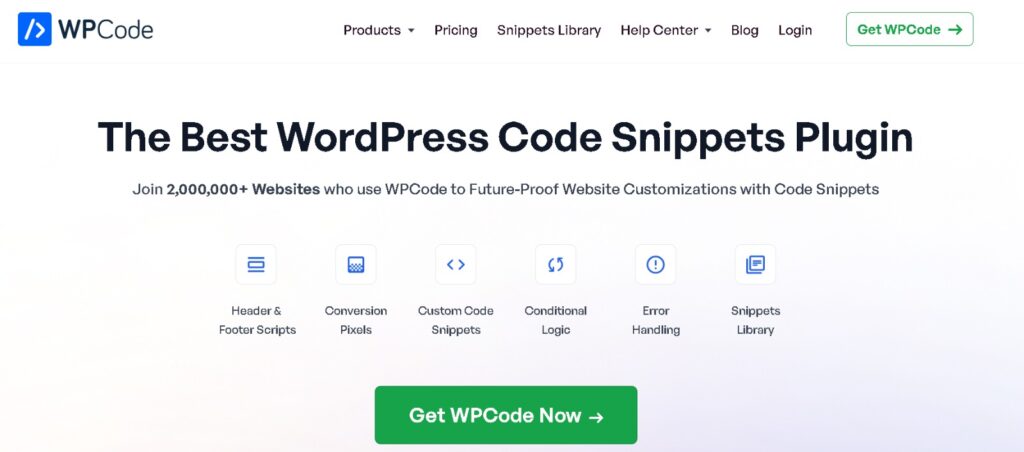
It allows you to add and control code snippets without touching core files. You can insert scripts, custom functions, or tracking codes with proper conditions and placement rules.
This makes it ideal for marketers, freelancers, and developers who want both stability and flexibility. The built-in AI helps generate snippets, but the real strength lies in how it organizes and executes code safely.
It may not be the right tool if you want to build full plugins or complex systems. But for controlled, real-world usage, it solves a major pain point in WordPress development.
Divi AI
Divi AI is designed for users who work visually rather than through code. It sits inside the Divi builder and helps generate layouts, styles, and even basic CSS without needing technical knowledge.
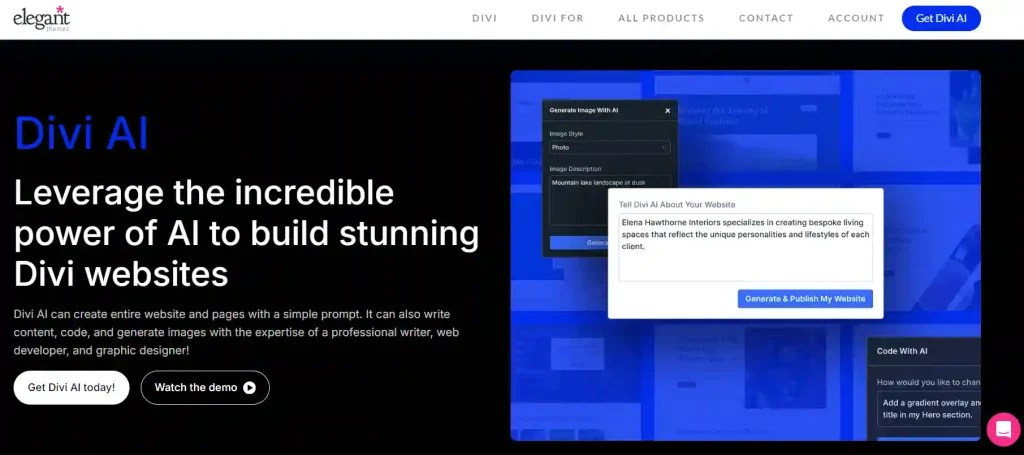
If your workflow revolves around designing pages and adjusting layouts, this tool speeds up the process. You can create sections, improve styling, and refine designs without writing code manually.
However, it is limited to the Divi ecosystem. Developers who need backend control or advanced logic will find it restrictive. For designers and non-coders, though, it removes friction and speeds up customization.
Durable AI Code Generator
Durable AI focuses on speed and simplicity. It’s not built for deep WordPress development, but it works well for quickly generating code snippets for basic elements like forms, headers, and layouts.
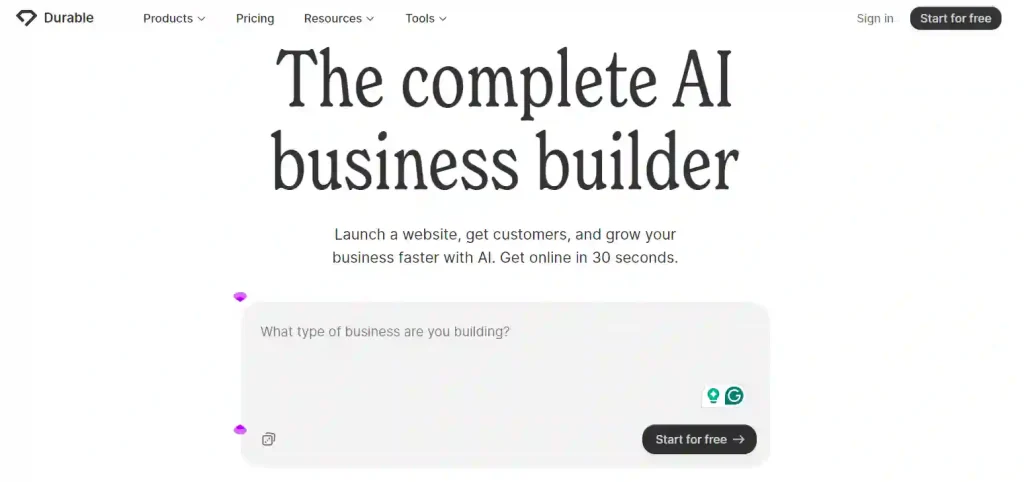
If you’re working on small projects or need fast output without a complex setup, this tool can help you move quickly. It’s especially useful when you want a starting point that you can tweak later.
That said, it lacks deeper integration with WordPress systems. For advanced plugin development or complex logic, it falls short. It works best as a lightweight assistant rather than a full development solution.
Discover: How to Integrate ChatGPT into WordPress
Benefits of Using the Best WordPress AI Code Generators
AI code generators are quickly becoming a go-to tool for WordPress developers in 2025, and for good reason. These tools bring powerful advantages that transform how websites are built and maintained.
- Simplified Web Development: AI tools automate code generation, reducing the need to manually write every line. Developers can now use natural language descriptions to generate functional and accurate code blocks effortlessly.
- Enhanced Productivity and Workflow Efficiency: By streamlining repetitive tasks such as creating shortcode snippets, custom post types, or CSS snippets, developers save hours of manual work. AI-powered coding speeds up the entire development process, especially when paired with tools like Visual Studio Code or the native WordPress editor.
- Improved Code Quality and Accuracy: The best AI code generators deliver error-free code with built-in logic, syntax checks, and code reviews, minimizing bugs and inconsistencies.
- Smarter Customization: From custom CSS panels to complex code logic, AI makes it easier to build unique site experiences. Whether working with WordPress blocks, theme builders, or advanced plugin development, AI enhances customization.
- Focus on Creative Problem Solving: With routine tasks automated, developers can spend more time on creative elements such as UX, design, and performance optimization, thereby boosting the overall quality of the WordPress site.
- Accessibility for Non-Coders: Tools like Divi AI make advanced functionality available even to non-technical users, bridging the gap between design and development.
Why WordPress Developers Are Turning to AI?
AI is no longer optional. It’s becoming part of modern WordPress development.

As projects get more complex and timelines shrink, developers are using AI to stay competitive and deliver faster.
- Rising Demand for Faster, Error-Free Development: As clients expect quicker turnarounds and flawless performance, AI helps developers meet those demands by generating accurate code in seconds. Whether it’s building a contact form, loading pop-up code, or scaffolding a plugin, AI tools ensure consistent quality.
- Seamless Integration with WordPress Tools and APIs: Modern AI generators are now optimized for WordPress block structures, REST API interactions, and integrations with popular tools like Elementor, WooCommerce, and Visual Studio Code. This compatibility makes AI easy to plug into existing workflows.
- Cost-Effectiveness and Scalability: For agencies and freelancers, AI tools lower development costs by reducing labor-intensive tasks. Whether you’re building one site or managing hundreds, these tools offer scalable solutions without compromising on code quality.
- Adaptability for Complex Customization Requests: From creating dynamic layouts to applying smart conditional logic, AI generators can handle complex code generation with ease, allowing developers to say yes to more client requests.
- Versatile Features in One Platform: Many tools now combine multiple utilities: AI chat, AI-generated snippets, code management, and even content writing, all in one plugin or platform.
Features to Look for in the Best WordPress AI Code Generator
Choosing the right tool is not just about features. It’s about how well those features actually support your workflow. The best tools don’t just generate code; they understand how WordPress works and help you build faster without creating new problems.
WordPress-Specific Code Knowledge
A good AI tool should understand how WordPress is structured. This includes core functions, hooks, filters, and how plugins and themes interact. Without this, the generated code may look correct but fail in real use cases.
When the tool is trained specifically on WordPress, it can generate more accurate snippets for features such as custom post types, shortcodes, and WooCommerce logic. This reduces the need for constant fixes and helps you trust the output more.
Integration with Page Builders and Themes
Your AI tool should fit into the tools you already use. Whether you work with Elementor, Divi, or custom themes, smooth integration saves time and avoids unnecessary friction in your workflow.
If the tool works well with your builder or theme, you can generate and apply code directly without switching between platforms. This makes your process faster and more efficient, especially when working on multiple projects
Code Accuracy and Reliability
Generated code should not create more problems than it solves. The best tools provide structured output with proper syntax, logic, and error handling so you don’t spend extra time fixing issues. Reliable tools also include features like syntax checks, suggestions, and basic debugging support. This helps you catch mistakes early and maintain stable performance across your site.
Customization Options and Control
You should always be able to edit and control the code you generate. A tool that limits customization can slow you down when working on unique or complex requirements. Look for features like editable code output, conditional logic, and access to a code editor. This gives you the flexibility to adjust, refine, and fully control how your code behaves.
Support for Multiple Languages
WordPress development often involves more than just PHP. You’ll need support for JavaScript, HTML, and CSS to build complete features and manage front-end behavior. A strong AI tool should handle multiple languages smoothly, allowing you to generate and modify different parts of your project without switching tools. This keeps your workflow consistent and more efficient.
How to Evaluate the Best Option for Your Workflow?
Not all AI tools are created equal. Here’s how to choose the one that fits your coding style:
- Consider Your Development Style: Whether you’re a no-code, low-code, or full-stack developer, the tool should complement your workflow. Tools like WPCode are great for low-code users, while CodeWP is better suited to full developers.
- Level of Customization and Flexibility: If you’re often building custom plugins or editing WordPress blocks, you’ll need advanced controls and AI-powered features. Choose a tool that adapts to your technical requirements.
- Compatibility with Existing Tech Stack: Ensure the AI integrates with tools you already use, such as Visual Studio Code, WooCommerce, or your preferred code management system.
- Ease of Use vs. Advanced Capabilities: Some tools prioritize simplicity, while others offer deep customization. Strike the right balance depending on your experience level and project needs.
- Community Support and Updates: Look for tools that are actively maintained, receive regular updates, and have strong user communities. Ongoing support ensures your AI tools stay up to date with the latest WordPress editor standards and features.
Explore: How to Choose the Best WordPress Template Builder
To Sum Up
Choosing the right WordPress AI code generator is less about trends and more about how you work. Some tools help you move fast with simple tasks, while others give you deeper control over custom development. When you pick a tool that fits your workflow, you spend less time fixing code and more time building things that actually matter.
In the long run, these tools change how you approach development. You handle projects faster, reduce small errors, and take on more complex work without feeling stuck. The real advantage is not just speed, but the confidence to build better, smarter, and more efficiently every time.
FAQs About Using AI Code Generators
What is the best AI tool for WordPress coding?
The best tool depends on what you need. CodeWP is well-suited if you want accurate, structured WordPress code. AI Engine and WPCode are better if you prefer a simple, flexible experience in WordPress.
Are AI coding tools for WordPress safe to use?
Yes, most tools are safe when used carefully. You should always review the generated code and test it on a staging site before adding it to your live website.
Can beginners use AI tools for WordPress development?
Yes, beginners can use these tools without deep coding knowledge. Tools like Divi AI and AI Engine are easy to use and also help you learn while building.
Do AI coding tools replace developers?
No, they do not replace developers. They help speed up repetitive tasks and generate code, but you still need skills to customize, test, and manage your projects.
Can AI create full WordPress plugins?
Some tools can create basic plugin structures and simple features. However, complex plugins still need manual development to ensure proper performance and security.
Do these tools work with all WordPress themes and plugins?
Most tools work well with popular themes and plugins. However, compatibility can vary, so you should always test and make adjustments if needed.


